Website migration services that improve your business and protect your rankings
We migrate websites between the most popular platforms, including WordPress, Shopify, Webflow, Framer, Next.js, Wix, Squarespace, and Drupal. Every page that brings you visitors keeps its SEO and works at its new address, and we watch your search traffic for 90 days after launch. Every move has a published starting price.
Pick your move
35 migrations
WixWordPress
From $1,500
For small-business and service sites with up to 15 pages and a blog.
See what’s includedMost migrations start with the platform, not the site
Prices go up, features get retired, support runs out, or the team outgrows the tool. Here are six current examples, each with its source.
Drupal
Drupal 10 ends December 9, 2026
After that date there are no new Drupal 10 releases, including security fixes. The supported path inside Drupal is an upgrade to Drupal 11.
Squarespace
Price increases of up to 26%
In mid-2026 Squarespace raised US prices on three of its four plans. Core went from $23 to $29 a month and Plus from $39 to $49, billed annually.
Webflow
Webflow dropped logins and Logic
Webflow shut down Logic in June 2025 and User Accounts on January 29, 2026, and now points customers to third-party apps for logins and workflows.
WordPress
Plugin security upkeep
Patchstack recorded 11,334 new vulnerabilities in the WordPress ecosystem in 2025, 42% more than the year before, and 91% of them were in plugins. Every plugin is something to update and watch.
HubSpot CMS
Content Hub pricing
HubSpot lists Content Hub Professional as starting at $500 a month with three seats included, or $6,000 a year before extra seats.
Kentico
Xperience 13 support ends December 31, 2026
Through 2026 Kentico ships security hotfixes only. From January 1, 2027 it stops all updates, hotfixes, and security fixes for Xperience 13, and running it is at your own risk.
Where sites lose traffic in a migration, and how we prevent it
Changing platforms doesn’t hurt your rankings by itself. Traffic drops when something Google relied on doesn’t make it to the new site. These are the four things that usually get missed.
Problem: Old page addresses stop working after the moveWhat we do: We redirect every old address to its new page
A new platform usually gives your pages new addresses, but Google, your customers’ bookmarks, and every site that links to you still use the old ones. We collect every old address from your sitemap, Google Search Console, analytics, and links from other sites, and point each one to its new page. You see the full list before launch, and we test every redirect once the site is live.
Problem: Search titles and descriptions get left behindWhat we do: We move them with every page and check each one
The title and summary Google shows for each page usually live in an SEO plugin or settings panel that export tools don’t copy, so pages can reappear in search with generic titles and no summary. We move every page title, search description, and the tags behind them, then compare the old and new sites page by page before launch.
Problem: Google can’t read pages that load in the browserWhat we do: We make sure every page’s text reaches Google
Some modern sites load their text in the visitor’s browser after the page arrives. People see the full page, but Google and AI search tools can receive one with almost nothing on it. We check that each page’s text is in what Google receives, not only in what loads afterwards, before the site goes live.
Problem: Products, posts, and images stay on the old platformWhat we do: We move everything off the old platform first
Export tools often skip products, a second blog, or embedded media, and images still stored on the old platform break the day you cancel it. We move what exports skip and re-host every image and file on the new site, so nothing depends on the old platform once it’s gone.
If something we missed causes a problem, we fix it at no cost
For 90 days after launch, we watch which pages Google indexes, the errors it reports, and traffic to every page we moved. It’s all in our written guarantee.
How we migrate your site to a new platform
The same four steps for every migration, whether it’s a 10-page Wix site or a Drupal site with thousands of addresses.
01
Quote
Send your site. We review it and reply with a quote and timeline within one business day.
02
Build
We map every old page to its new address, then rebuild your templates, content, and SEO on a private preview you can check.
03
Launch
We compare the old and new sites page by page, switch your domain, and test every redirect once it’s live.
04
Monitor
We watch your search traffic for 90 days and fix anything our work caused at no cost.
Every migration starts with a free quote within one business day.
Get a migration quoteEvery migration we offer, with a starting price
The final price depends on the size of your site. You’ll have a quote before any work begins.
Website builders and static sites to WordPress
Website builder and hand-coded sites moving to WordPress, where you own the site and can add any plugin.
WordPress to other platforms
WordPress sites moving to Next.js, Shopify, or a hosted builder with less upkeep to manage.
Online stores to Shopify
Online stores moving to Shopify from WooCommerce, BigCommerce, and others, priced by catalog size.
Website builders and CMS platforms to Next.js
Builder and CMS sites moving into a Next.js codebase your developers own, with an editor for your team.
CMS platforms to WordPress
Larger CMS sites moving to WordPress, where more pages, links, and old addresses are at stake.
AI-built apps and sites to your own stack
Apps and sites built in Lovable, Base44, and other AI builders, moved onto hosting, data, and logins your company owns.
Between Webflow, Framer, and HubSpot
Marketing sites moving between visual builders, or from HubSpot CMS to Webflow with the CRM kept.
Beyond migrations, we build, partner on, and buy websites
Most of our work is moving websites for other businesses. The rest is building sites of our own, partnering with people who know a niche well, and buying sites with organic traffic and room to grow.
The websites we build and run ourselves
Valiance Labs builds and operates the sites below. When a page goes missing or a redirect breaks on one of them, it’s our traffic on the line. We bring the same care to yours.
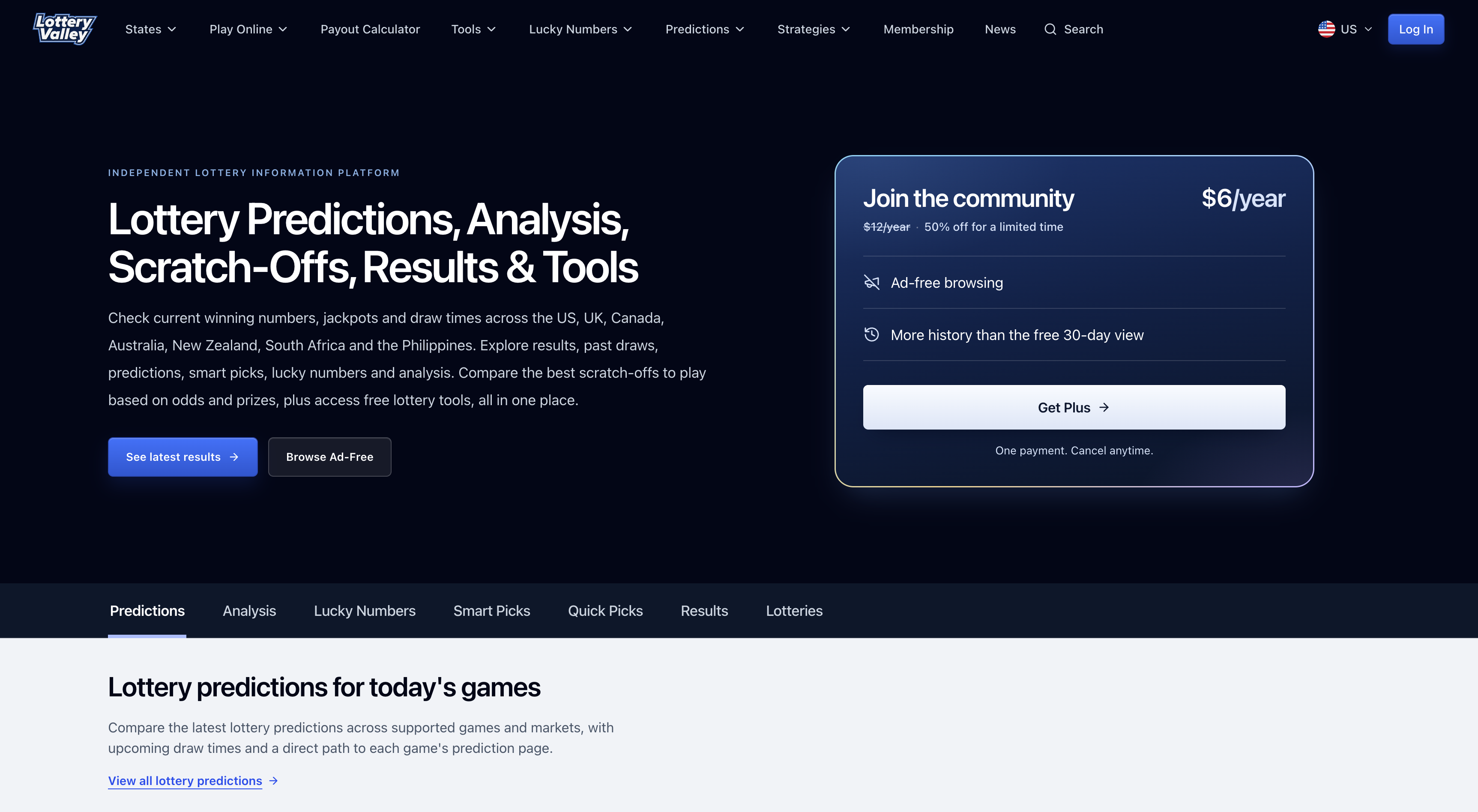
Lottery News & Results
Lottery Valley
Lottery Valley helps people check lottery results, track jackpots, and compare scratch-offs in one place. Historical data, analysis, and free tools make it easier to understand the numbers behind each game.
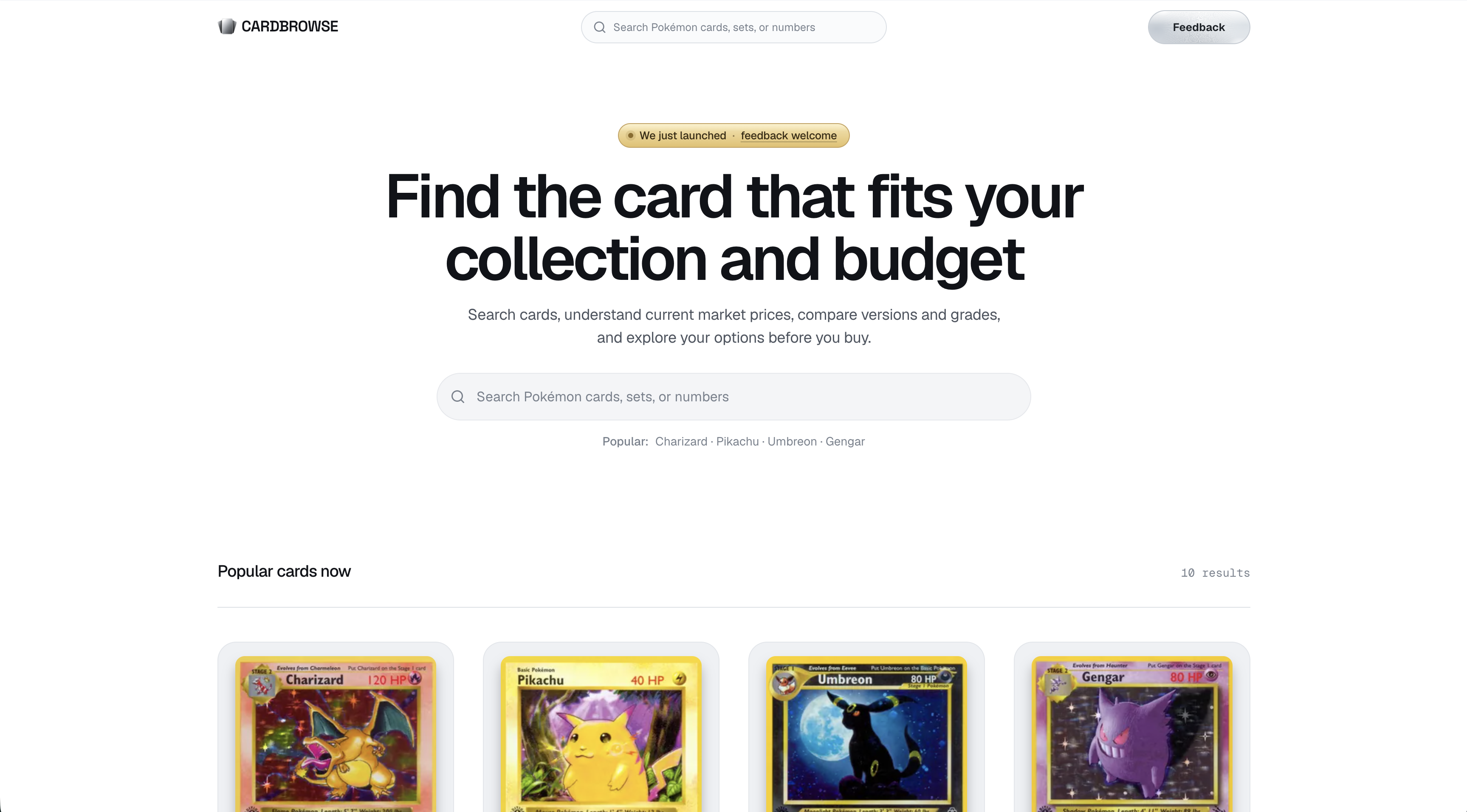
Card Discovery
CardBrowse
CardBrowse helps collectors discover Pokémon cards, compare sets and versions, and understand current market prices before they buy. Its searchable catalog makes it easier to browse cards by name, number, set, and collecting goals.
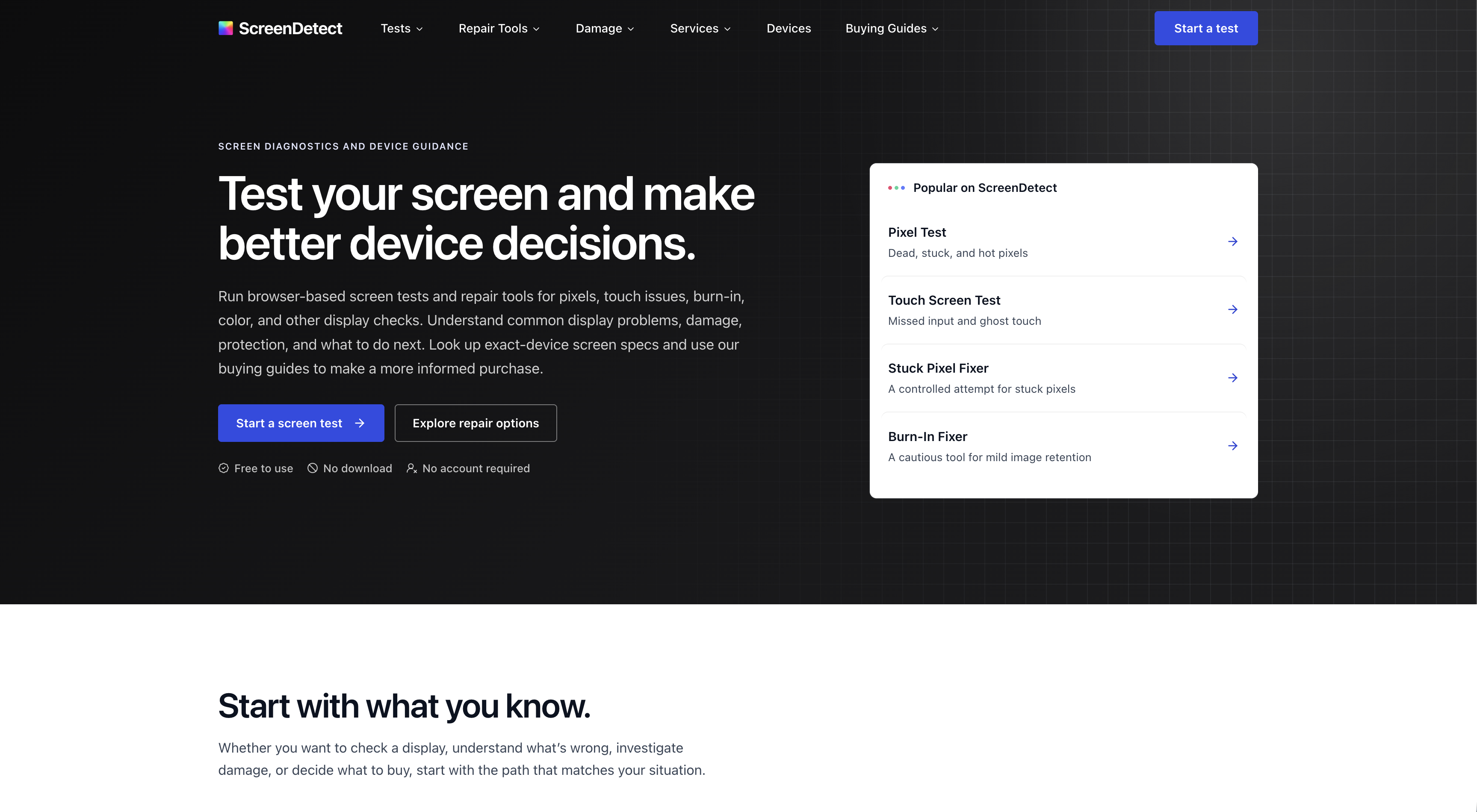
Display Testing & Device Support
ScreenDetect
ScreenDetect offers browser-based screen tests and troubleshooting for dead pixels, touch issues, burn-in, and color problems. It also helps people compare device specs, weigh repair options, and know what to check before buying.
About Valiance Labs
A small, remote team that runs its own websites
We build and operate our own websites, and we move yours with the same care we give ours. Being small means the people who review your site are the people who migrate it, so you talk to the team doing the work, not an account manager relaying messages.
More about usOne team, start to finish
The people who quote your migration are the people who do it. Nothing gets lost in a hand-off.
Work you can check
Your new site is built on a private preview, so you can review every page before launch.
Fast, clear answers
Send your site and you’ll have a quote and timeline within one business day.
Questions about moving your website
What a migration costs, what happens to your rankings, and what moves with your site. If your question isn’t here, send us your site and ask. You’ll hear back within one business day.
Get a migration quoteHow much does a website migration cost?
It depends on where you’re moving and how big the site is. To WordPress: from $1,500 for Wix, Squarespace, Weebly, GoDaddy, and HTML sites, $2,500 for Joomla, $3,500 for Webflow and Framer, $4,500 for Drupal and HubSpot, and $7,500 for Kentico. From WordPress: $1,500 to Squarespace or Wix, and $3,500 to Shopify, Webflow, or Framer. To Shopify: $3,500 for most stores, and $7,500 from Magento. Between Webflow and Framer: $3,500, and HubSpot to Webflow is $4,500. To Next.js: $3,500 from Lovable, $4,500 from Framer, and $9,500 from WordPress, Webflow, HubSpot, Kentico, or Gatsby, including a content editor your team can use. From AI builders: $3,500 for Lovable or Bolt to Next.js, Lovable to WordPress, or a Replit app moved to your own cloud. Send us your site and we’ll send a quote and timeline within one business day.
Will we lose our Google rankings?
Some movement in the first few weeks is normal after any migration. Lasting losses usually come from missed redirects and lost SEO, which our process and guarantee cover. No one can promise rankings, but our guarantee covers our work.
Do you redesign the site during the move?
By default we rebuild the site as it looks today, which keeps the risk and the cost down. A design refresh is available, but changing the design and the platform at the same time makes it harder to tell what caused any change in traffic.
What platforms do you migrate to?
WordPress, Next.js, Shopify, Webflow, Framer, Squarespace, and Wix. We move sites from all of those, plus Weebly, GoDaddy Website Builder, Joomla, Drupal, Kentico, HubSpot CMS, Gatsby, Lovable, Bolt, WooCommerce, BigCommerce, Magento, and hand-coded HTML. Replit apps move onto your company’s own cloud without a rewrite. Next.js sites come with a content editor, such as Sanity or Payload, so your team can update pages without a developer.
Do you work with agencies?
Yes. We can handle the migration and redirects while your agency keeps the design and the client relationship.
Send us your site. You’ll have a quote within one business day.
Tell us where it is now and where it’s going. The quote is free, and there’s no obligation.
Get a migration quote